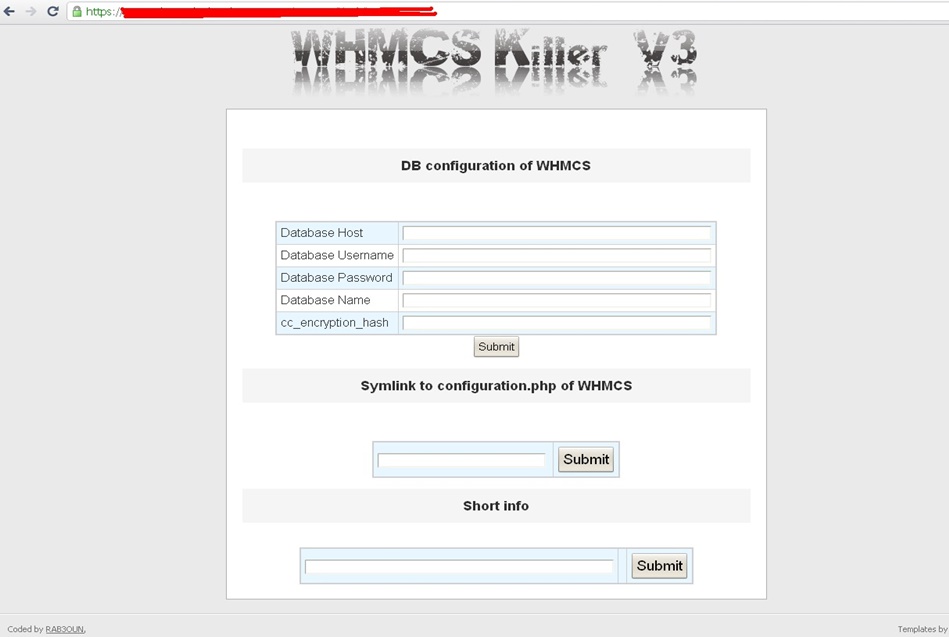
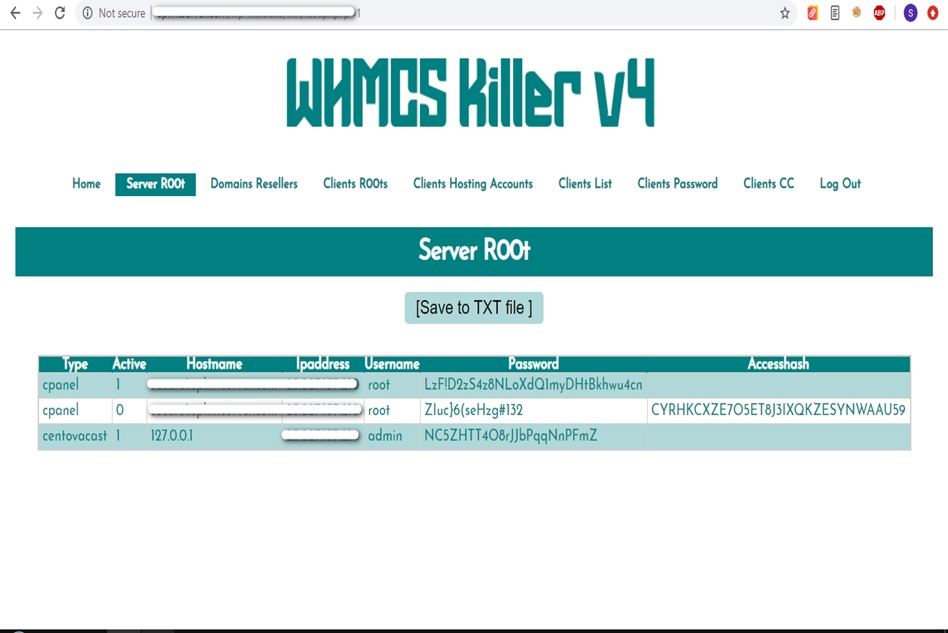
WHMCS Killer v4 Coded in Latest php version Tools Server R00t Domain Resellers Clients R00ts Clients Hosting Accounts Clients CC Clients Password NEw DEsign
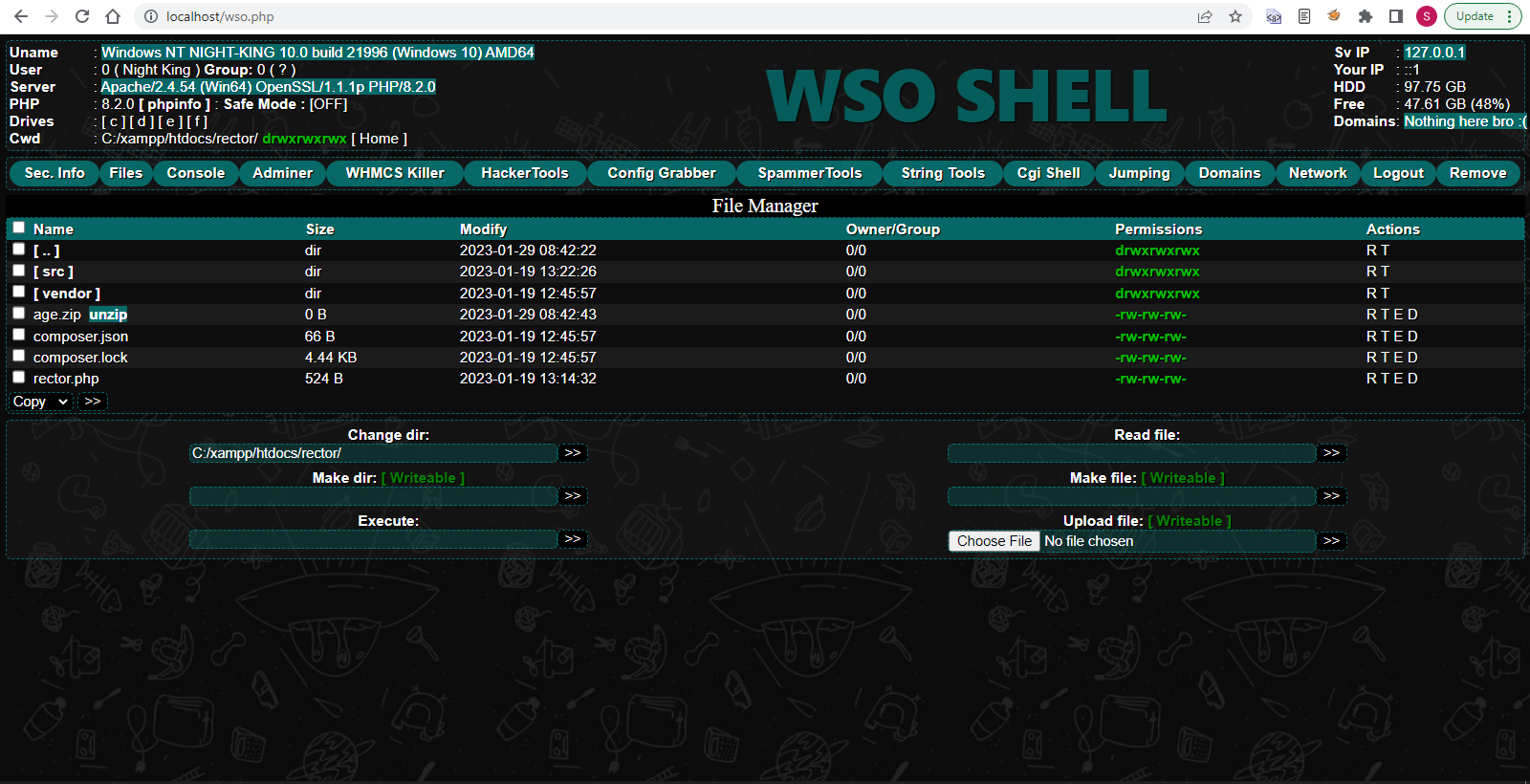
WSO SHELL 2023
[Hacker Tools] cPanel/WHM/WebMail Cracker - Create RDP - Getting Passwords - Finder .accesshash/WHM - Finder .my.cnf/cPanel - Auto Change Admin User WordPress/Joomla/OpenCart - Zone-h Poster - Install BackDoor [Spammer Tools] Create SMTP - Create Mailer - Mail Sending Checker - Redirects - Getting Emails-List - Emails-list Filter [Other Features] Adminer - WHMCS Killer v4 - Unzip - Config Grabber[Advanced] - Server Jumping - Cgi Shell - Back Connect - Domains List [Supported] php 5.x - php 7.x - php 8.x Password:dadsec
Why is this so difficult, and how can you solve it? This article breaks down the problem and offers practical solutions. The EasyCAP (typically based on the STK1160 , SAA7113 , or EMPIA chipset) was designed for the Windows XP and Windows 7 era. Official driver discs that come with the device are often unsigned, 32-bit only, and incompatible with the core security architecture of Windows 10 and 11.
The EasyCAP USB video capture device is a classic piece of budget hardware. For over a decade, it has been the go-to solution for converting old VHS tapes, capturing retro gaming footage, or using a camcorder as a webcam. However, its age presents a significant challenge for modern users: getting it to work on Windows 11. driver easycap windows 11
But for the tinkerer, the nostalgia seeker, and the budget-conscious retro gamer? Getting that cheap EasyCAP to blink green on Windows 11 is a small victory—a testament to the enduring will of the open-source driver community. Why is this so difficult, and how can you solve it
If you plug an EasyCAP into a fresh Windows 11 machine, you will likely be met with a frustrating reality: the infamous "Device Descriptor Request Failed" error, a generic "Unknown Device" in Device Manager, or simply no video signal in your capture software. Official driver discs that come with the device
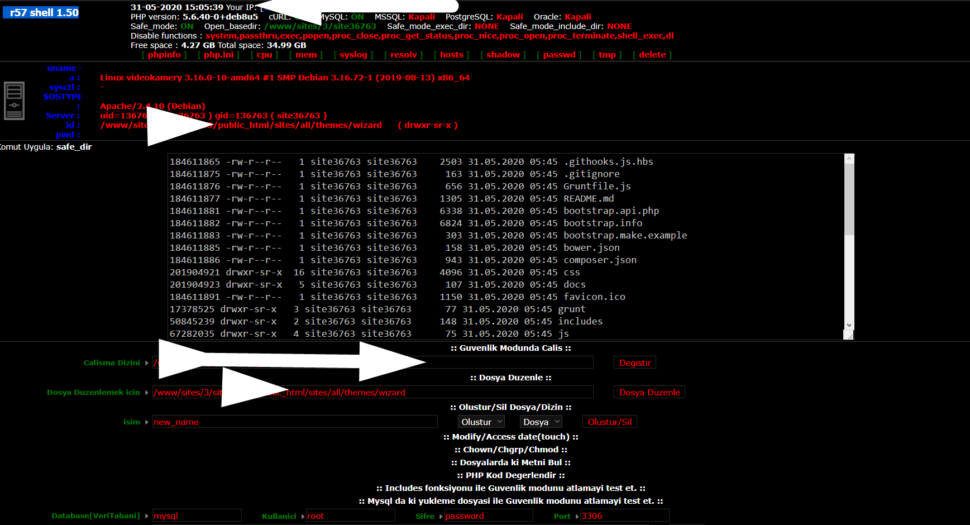
Wr57 shell txt
visit the most interesting R57 pages, well-liked by users from your country and all over the world, or check the rest of r57.biz data below. R57.biz is a website, reported to be malware-infected or hijacked, so you should stay away from it until the problem is resolved. We found that English is the preferred language on R57 pages. Their most used social media is Facebook with about 93% of all user votes and reposts.
Why is this so difficult, and how can you solve it? This article breaks down the problem and offers practical solutions. The EasyCAP (typically based on the STK1160 , SAA7113 , or EMPIA chipset) was designed for the Windows XP and Windows 7 era. Official driver discs that come with the device are often unsigned, 32-bit only, and incompatible with the core security architecture of Windows 10 and 11.
The EasyCAP USB video capture device is a classic piece of budget hardware. For over a decade, it has been the go-to solution for converting old VHS tapes, capturing retro gaming footage, or using a camcorder as a webcam. However, its age presents a significant challenge for modern users: getting it to work on Windows 11.
But for the tinkerer, the nostalgia seeker, and the budget-conscious retro gamer? Getting that cheap EasyCAP to blink green on Windows 11 is a small victory—a testament to the enduring will of the open-source driver community.
If you plug an EasyCAP into a fresh Windows 11 machine, you will likely be met with a frustrating reality: the infamous "Device Descriptor Request Failed" error, a generic "Unknown Device" in Device Manager, or simply no video signal in your capture software.